



Description
Download Fast VPN Free VPN Proxy Secure Wi Fi APK – Fast VPN, Free VPN Proxy, Secure Wi-Fi, Unblock Websites, Gaming VPN
Overview
Fast VPN – Free VPN Proxy & Secure Wi-Fi is a mobile-focused application designed to deliver rapid, secure internet access for users seeking faster online experiences. Primarily aimed at mobile gamers and privacy-conscious individuals, the app enables seamless access to online games such as PUBG Mobile, Call of Duty: Mobile, Free Fire, Mobile Legends, and Pokémon Masters by reducing latency and improving connection stability. The software operates as a one-tap solution, allowing users to connect to high-speed servers without requiring registration or account creation. It is developed by Fast VPN and is tailored for mobile platforms, offering a streamlined approach to bypassing regional restrictions and enhancing internet performance. By changing the user’s virtual location through servers located in countries like the USA, India, Japan, Singapore, Canada, France, and Germany, the app supports anonymous browsing and helps users access geo-blocked content such as Facebook, Snapchat, WhatsApp, Netflix, and Hulu. The software claims to protect user data using 256-bit bank-grade multi-layered encryption, ensuring privacy on public Wi-Fi networks and against potential threats like malware and identity theft. While the app is marketed as a free service with unlimited bandwidth, no user data is stored or sold, according to its developer. It serves as a practical tool for individuals who prioritize both speed and security in their mobile internet usage.
Key Features & Capabilities
- One-Tap Connection: Users can establish a secure connection instantly without the need for registration or complex setup, ideal for quick access during gaming sessions.
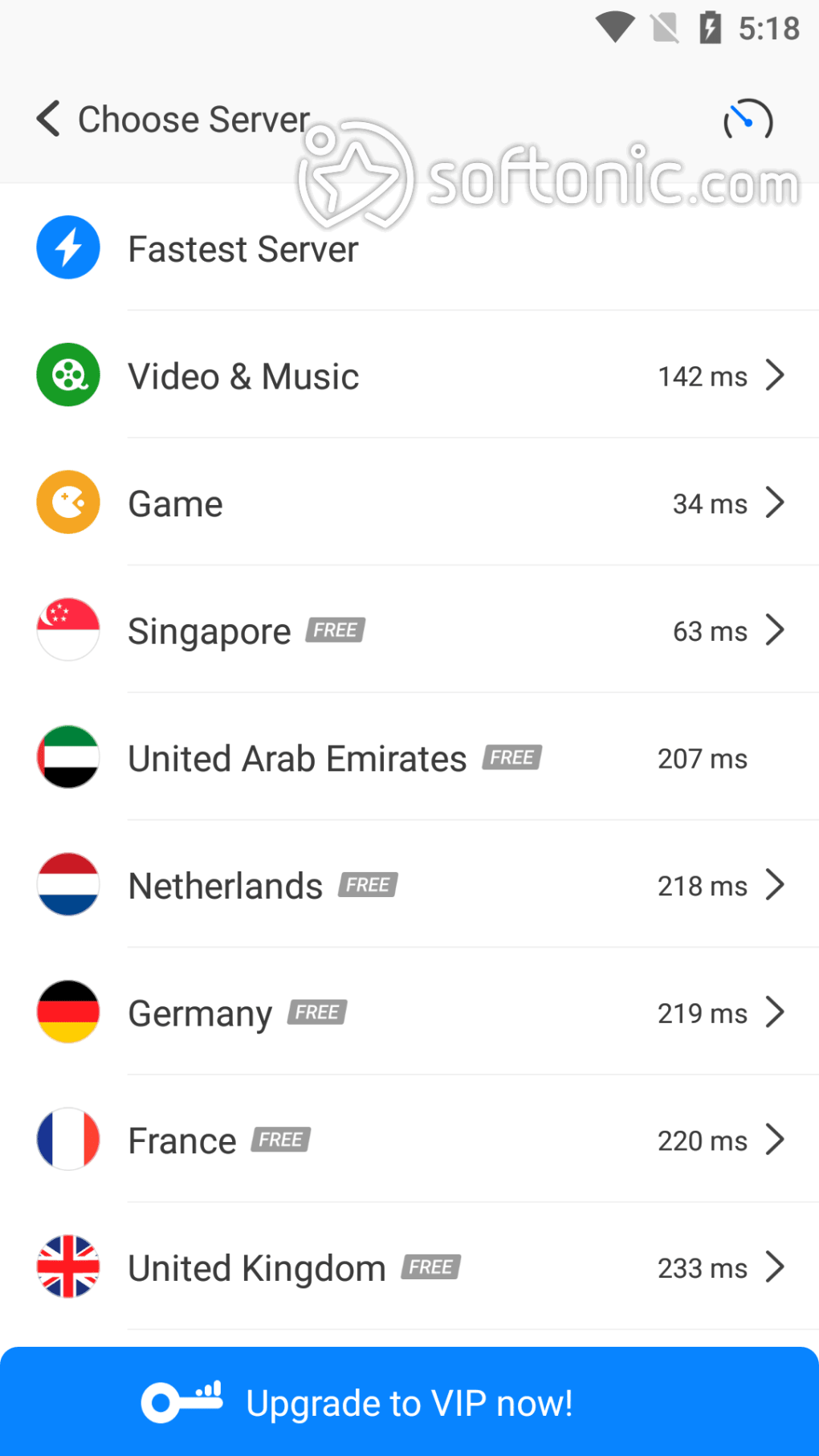
- Global Server Network: Access to thousands of servers across major global regions including the USA, India, Japan, Singapore, Canada, France, and Germany, enabling users to change their virtual location.
- 256-bit Bank-Grade Encryption: Implements strong encryption technology to safeguard internet traffic, protecting sensitive data from interception on unsecured networks.
- Gaming Optimization: Designed to reduce ping and improve connection speed, making it suitable for real-time multiplayer mobile games with high performance demands.
- Website Unblocking: Allows bypassing of firewalls and regional blocks, enabling access to restricted platforms such as Netflix, Hulu, Facebook, Snapchat, and WhatsApp.
- Privacy Protection: Claims to not store original IP addresses, record online activity, or sell personal data, reinforcing its commitment to user confidentiality.
- Unlimited Bandwidth: Offers unrestricted data usage, supporting extended browsing and gaming sessions without throttling.
User Interface, Workflow & Performance
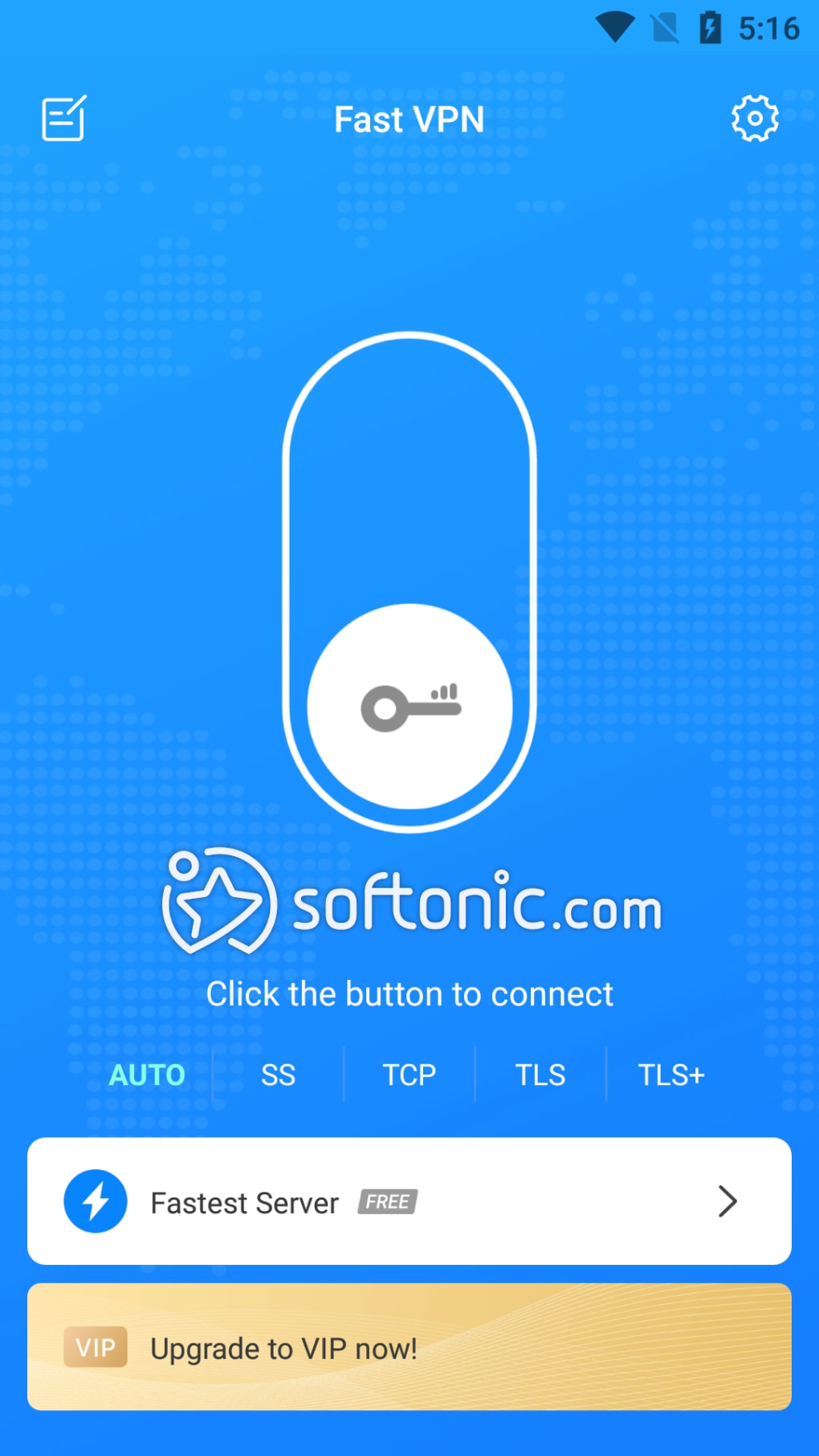
The application features a minimalistic interface optimized for mobile use, with a primary focus on speed and simplicity. Users are presented with a single button for immediate connection, minimizing navigation steps and reducing setup time. The workflow is streamlined, allowing users to switch between servers or disconnect with just a few taps. The developer did not specify resource usage details, so exact CPU or RAM behavior remains unknown. However, based on general software behavior patterns, the app is designed to operate efficiently in the background without significantly impacting device performance. Stability appears to be a core focus, particularly for real-time gaming scenarios where connection drops can disrupt gameplay. The app is intended to maintain consistent performance across various network conditions. While no performance benchmarks were provided, the emphasis on low ping and high-speed connections suggests optimization for responsive data transmission. No information was shared regarding update frequency or crash reports. Overall, the interface prioritizes accessibility and immediate functionality, making it suitable for users who value ease of use over advanced customization options.
Compatibility & System Requirements
Fast VPN – Free VPN Proxy & Secure Wi-Fi is designed for mobile platforms, specifically targeting Android devices. The application is distributed as an APK file, which allows installation outside of official app stores. The developer did not specify exact system requirements, including minimum Android version, RAM, or storage needs. Installation size is not provided. Compatibility information is limited to the platform type, with no mention of support for iOS or desktop operating systems. Users are advised to ensure their device meets the necessary requirements for running Android applications, particularly those involving network-level services. The absence of detailed technical specifications means that potential users should exercise caution when installing on older or low-end devices. The developer did not provide additional system requirements beyond the platform designation.
Pros and Cons
Pros
- One-tap connection for instant access without registration
- Global server network with multiple regional options
- 256-bit encryption for secure and private browsing
- Optimized for mobile gaming with low ping and fast speeds
- Unblocks geo-restricted content including social media and streaming platforms
- Claims to not store or sell user data, supporting privacy
- Unlimited bandwidth with no data throttling
Cons
- No official information on system requirements or device compatibility
- Performance details such as CPU/RAM usage were not disclosed
- APK distribution may pose security risks if downloaded from untrusted sources
- Limited to mobile platforms; no desktop or tablet support confirmed
- Developer claims are not independently verified
FAQ Section
Is Fast VPN available for Windows or Mac?
The developer did not confirm support for desktop operating systems. The software is designed for mobile devices and distributed as an APK file, which is primarily used on Android platforms.
Is Fast VPN safe to use on public Wi-Fi?
Yes, the app is designed to protect user data on public networks through 256-bit bank-grade encryption. It helps prevent unauthorized access to online activity and sensitive information.
Does Fast VPN require registration?
No, the app allows users to connect instantly with a single tap, without the need to create an account or provide personal information.
Can I use Fast VPN to access Netflix and Hulu?
Yes, the software claims to bypass regional restrictions, allowing access to streaming services like Netflix and Hulu by changing the user’s virtual location through global servers.
How often does Fast VPN update?
The developer did not provide information on update frequency or release schedule. Users are advised to check the source regularly for the latest version.
Final Thoughts
Fast VPN – Free VPN Proxy & Secure Wi-Fi stands out as a streamlined solution for mobile users seeking fast, secure internet access with minimal setup. Its one-tap connection, global server network, and focus on gaming optimization make it a compelling choice for gamers and privacy advocates alike. The inclusion of strong encryption and claims of no data logging enhance its credibility as a privacy-focused tool. While the lack of detailed system requirements and performance metrics limits transparency, the app’s core functionality is clearly defined and well-targeted. It is particularly suited for Android users who need quick access to blocked content, faster gaming connections, and protection on public Wi-Fi. For those prioritizing simplicity, speed, and security on mobile devices, Fast VPN offers a practical and accessible solution. Download Fast VPN now to experience faster, safer mobile internet access.
Guides & Tutorials for Fast VPN Free VPN Proxy Secure Wi Fi APK
How to install Fast VPN Free VPN Proxy Secure Wi Fi APK
- Click the Preview / Download button above.
- Once redirected, accept the terms and click Install.
- Wait for the Fast VPN Free VPN Proxy Secure Wi Fi APK download to finish on your device.
How to use Fast VPN Free VPN Proxy Secure Wi Fi APK
This software is primarily used for its core features described above. Open the app after installation to explore its capabilities.
User Reviews for Fast VPN Free VPN Proxy Secure Wi Fi APK 0
No reviews found





